


How can I check my current eSIMNum data usage?
You can check your eSIMNum data usage directly on your device:
On iOS:
-
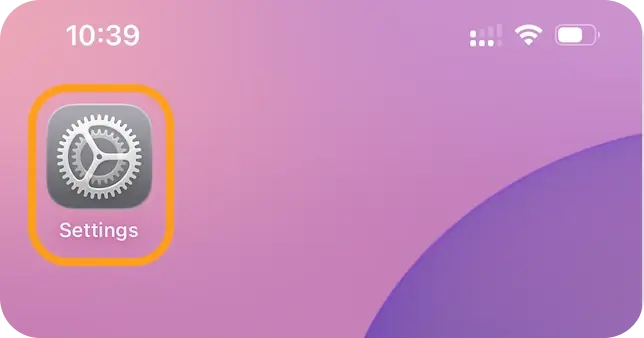
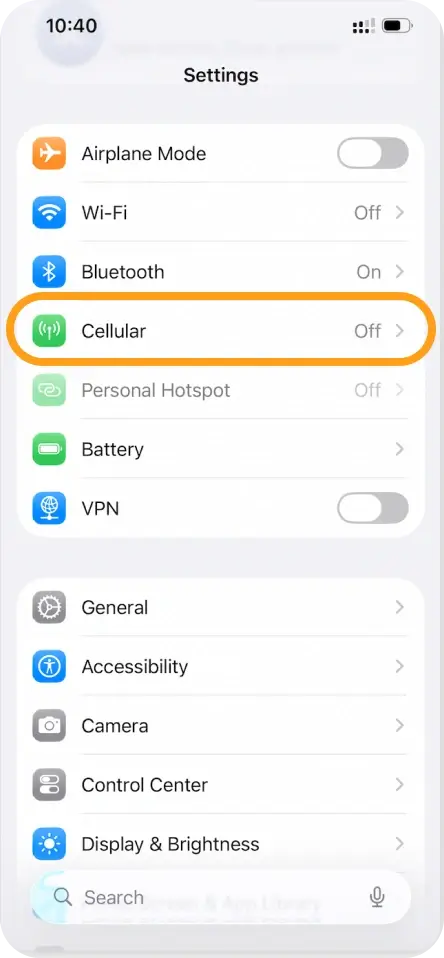
Open Settings → Cellular (or Mobile Data).
-
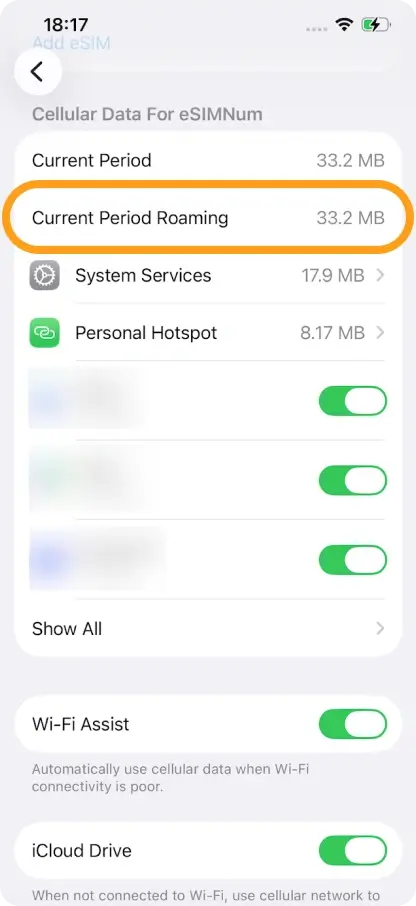
Look under Current Period Roaming to see the data used.
-
For more details, you can refer to Apple’s official instructions.
On Android:
-
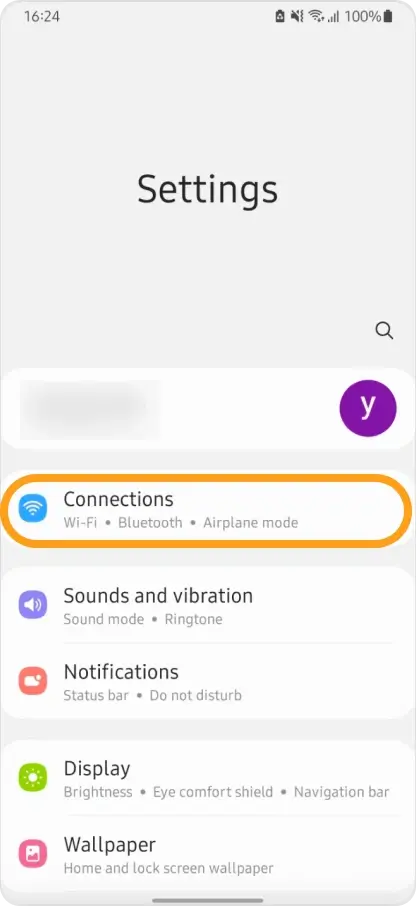
Open Settings → Connections.
-
Tap Data usage.
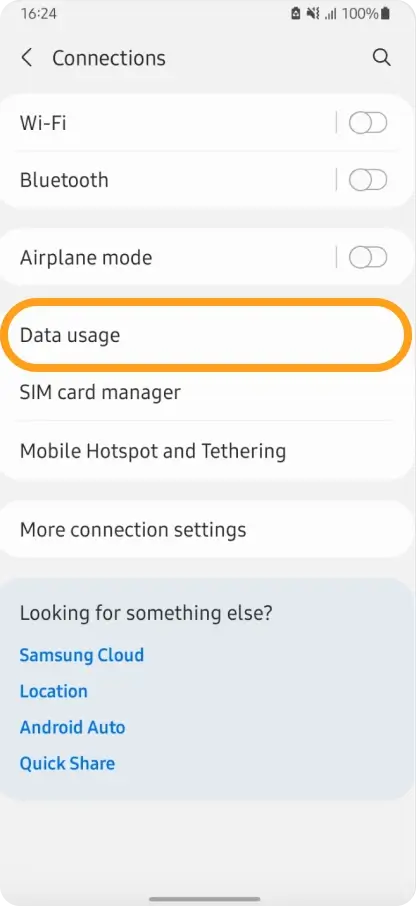
This section shows data usage for your SIM, eSIMNum eSIM, and Wi-Fi.
If you have any questions or need further help, please contact our support team.



