


How do I delete my eSIMNum account?
To permanently delete your eSIMNum account, follow these steps:
-
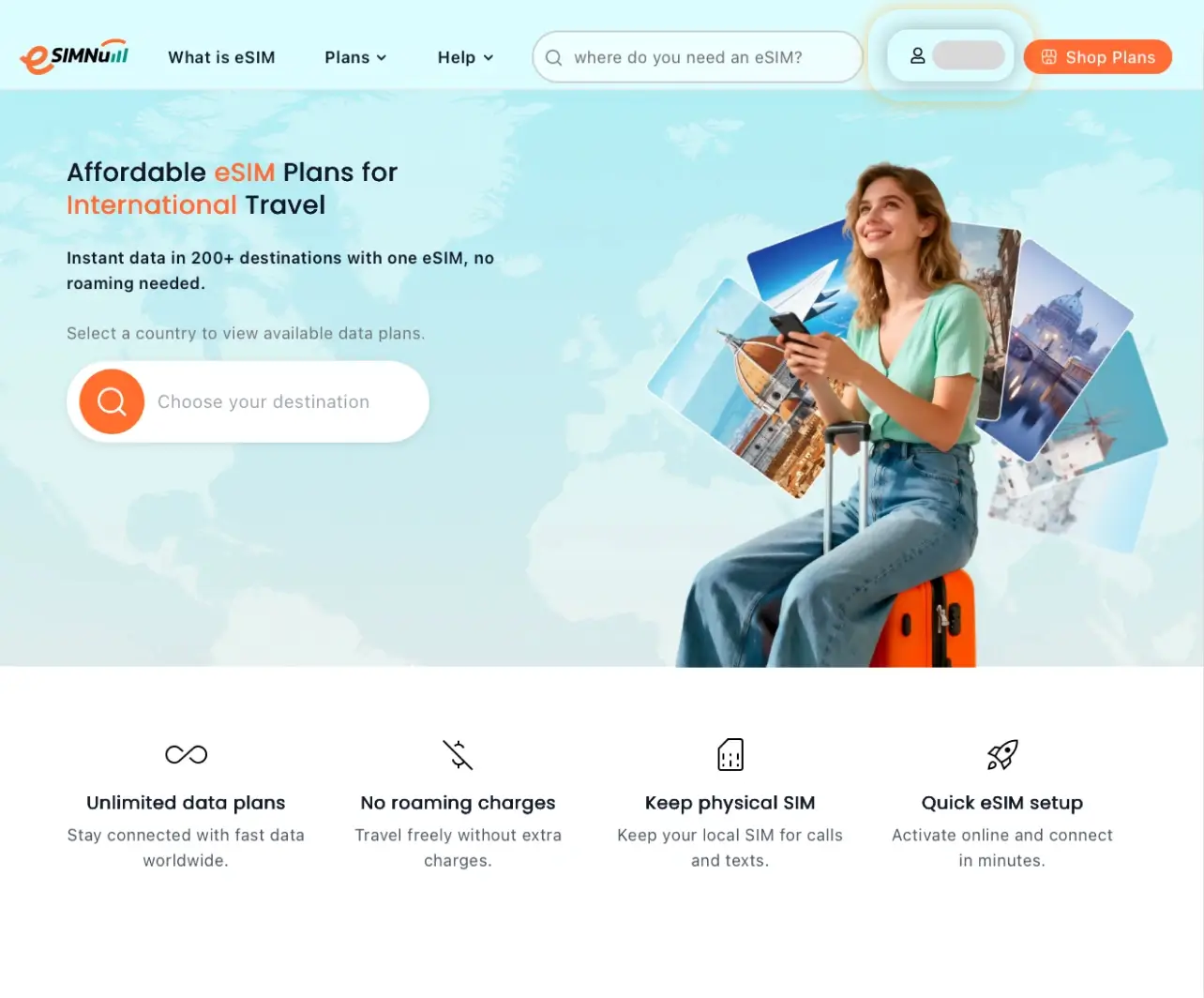
Open the eSIMNum website and log in to your account.
-
Tap the profile icon in the top-right corner.
-
Select My Profile from the menu and tap Delete Account to remove your account.
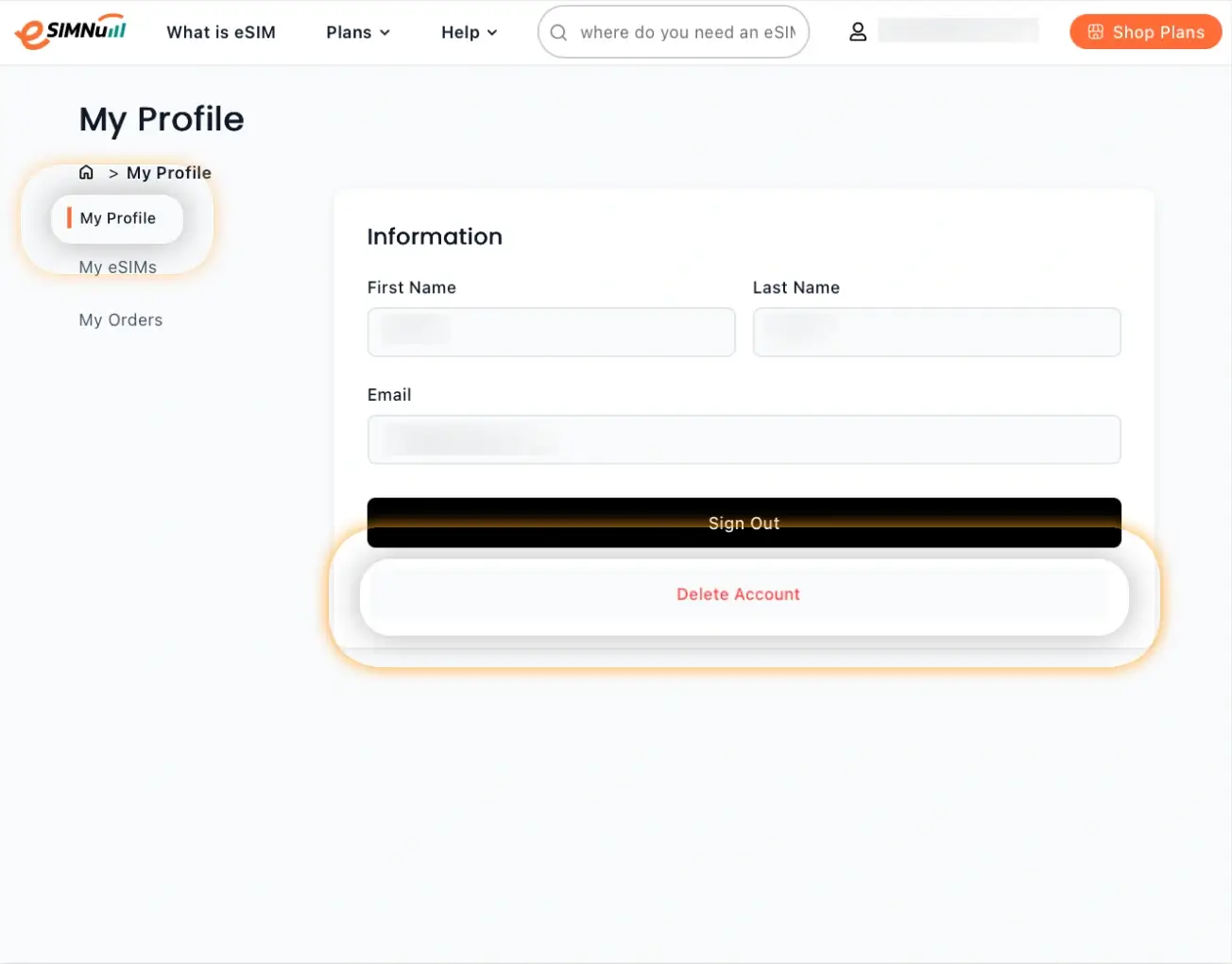
Note: Deleting your account is permanent. Once deleted, your account data and eSIM details cannot be recovered.
If you have any questions or need assistance, please contact our support team.



