


How do I check if my iOS device supports eSIM?
Most recent iPhones and iPads support eSIM, but compatibility can vary depending on where the device was manufactured and whether your carrier has enabled eSIM features.
Here’s how you can check if your iOS device is eSIM-compatible.
Check your iPhone model
-
Open Settings → General → About.
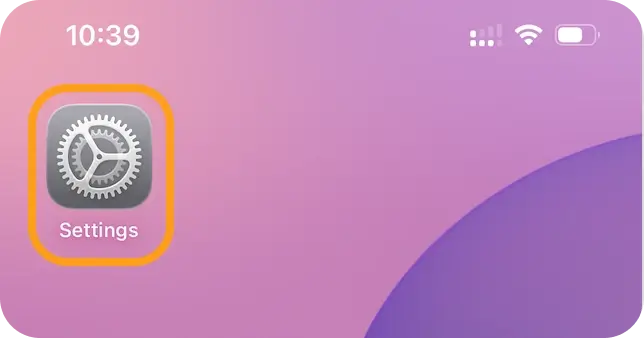
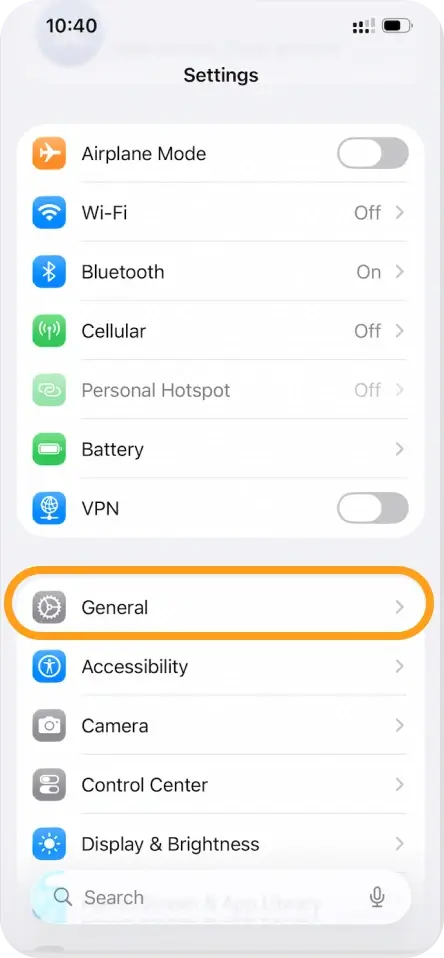
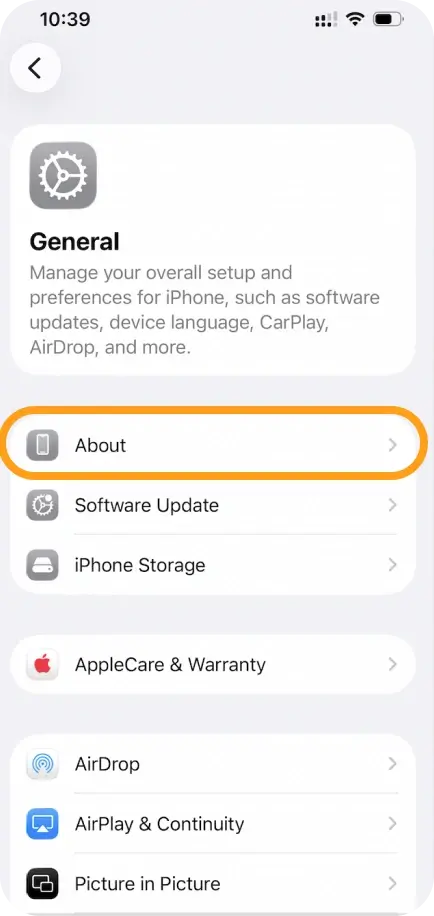
-
Tap Model Number until it shows a code starting with A (e.g., A2483).
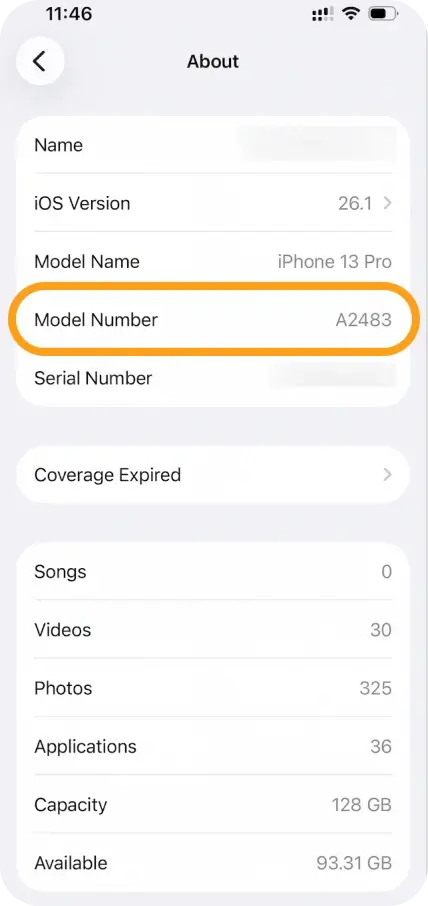
-
Confirm that your model is not from mainland China, Hong Kong, or Macao, as those versions may not support eSIM.
If your model is not from these regions, your iPhone should support eSIM.
Check if your iPhone is carrier-locked
Even if your iPhone supports eSIM, a carrier lock may block activation.
-
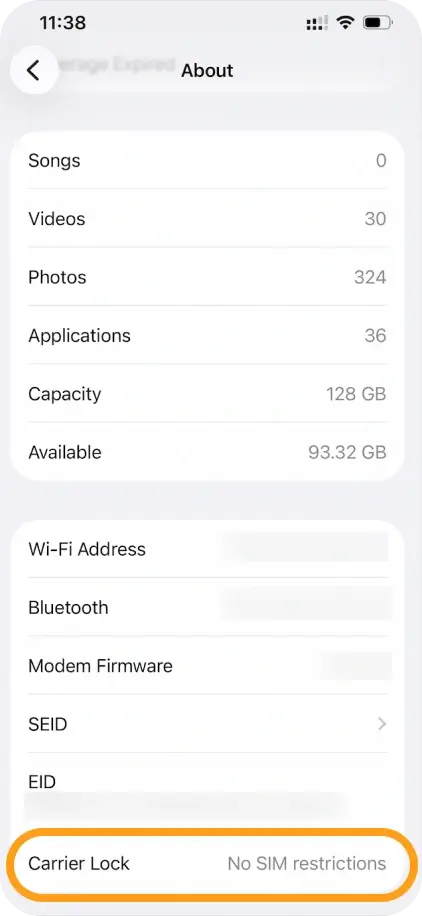
Go to Settings → General → About.
-
Scroll to Carrier Lock.
-
If you see No SIM restrictions, your iPhone is unlocked and should work with eSIM.
Check your iPad model (for cellular iPads)
- Open Settings → General → About.
- Tap Model Number until you see the A-number format.
- Make sure your iPad model is not from mainland China, Hong Kong, or Macao.
If your iPad model supports cellular and is not from these regions, it should support eSIM.
For a definite answer, we recommend checking with your device manufacturer, vendor, or mobile service provider.



