


How can I turn off an eSIM?
Turning off an eSIM on iPhone
-
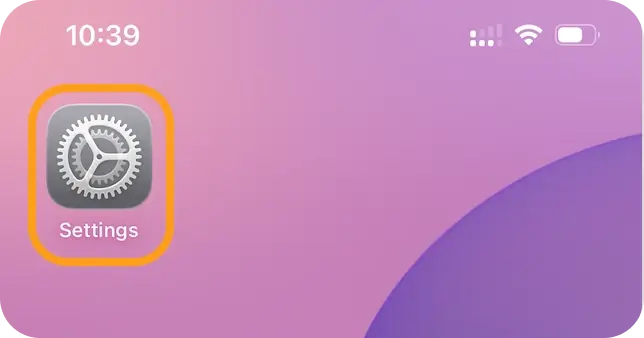
Open Settings.
-
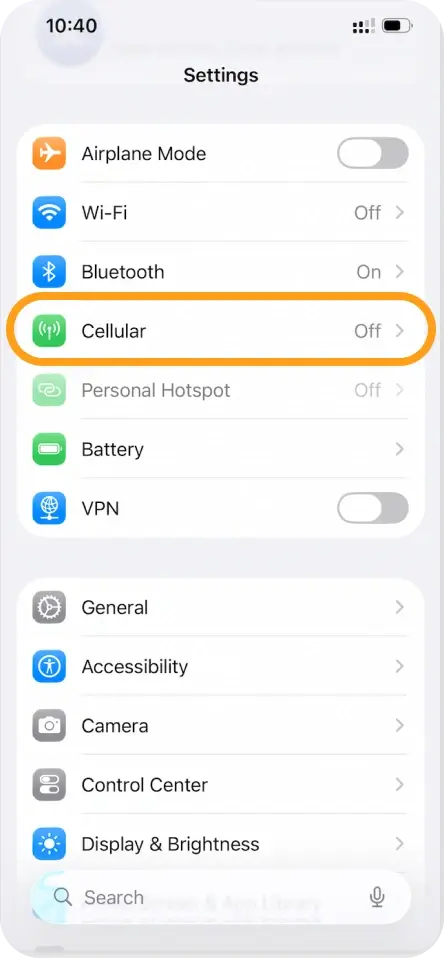
Tap Mobile Service or Cellular.
-
Choose the eSIM you want to turn off.
-
Switch Turn On This Line to off.
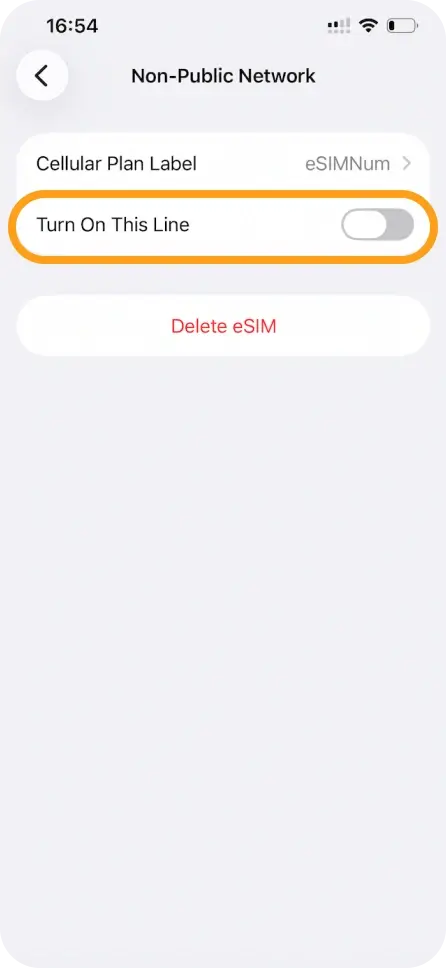
Your eSIM is now paused—you can turn it back on anytime.
Turning off an eSIM on Android
-
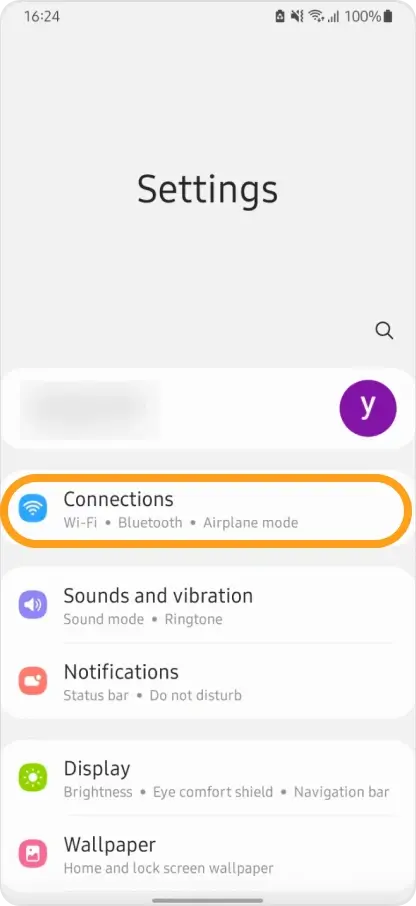
Open Settings.
-
Tap Connections → SIM Manager.
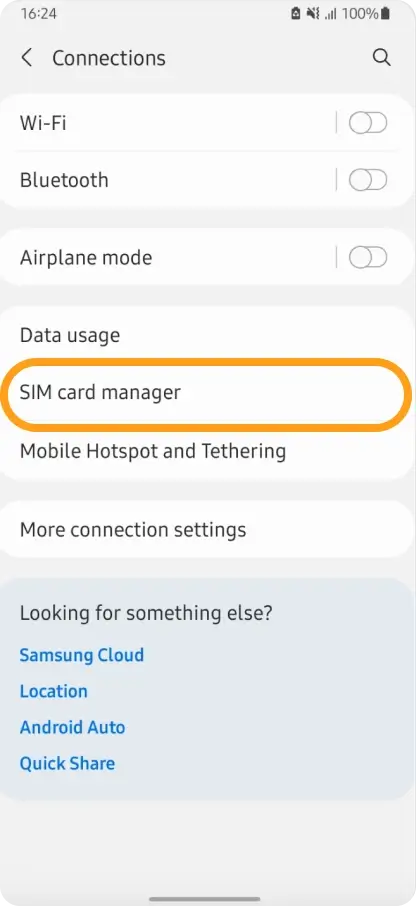
-
Pick the eSIM you want to disable and switch it off.
This stops the eSIM from connecting to the network, but it stays installed for later use.



