


How to activate eSIM on iPhone?
Your eSIMNum plan must be activated after you arrive in the destination country. Once you’re ready to use your data plan, follow the steps below to activate it on your iPhone.
Activate Your eSIMNum Plan
-
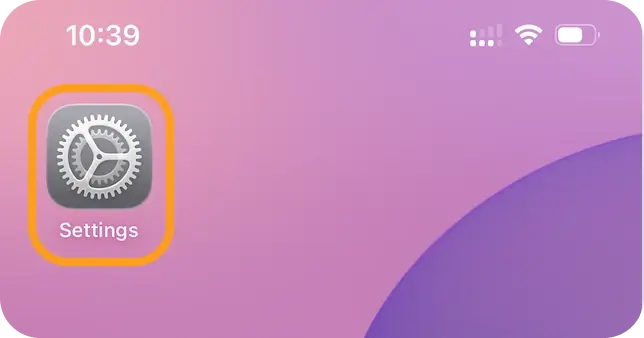
Open Settings on your iPhone.
-
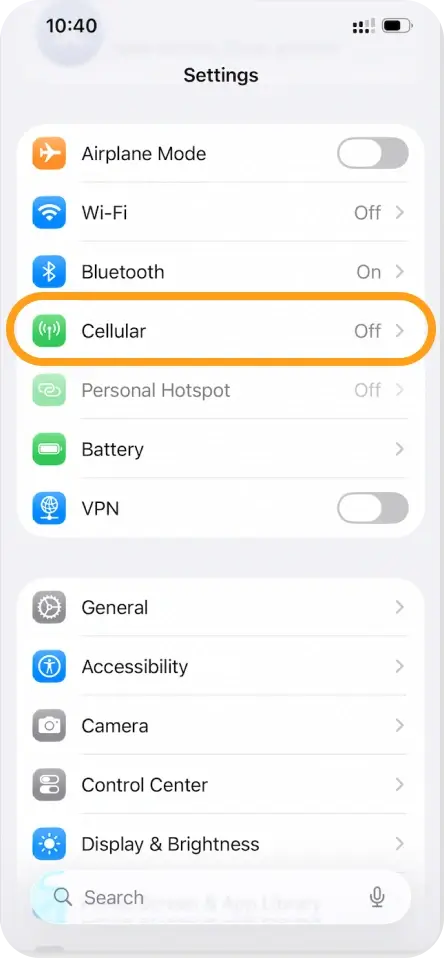
Go to Cellular (or Mobile Data).
-
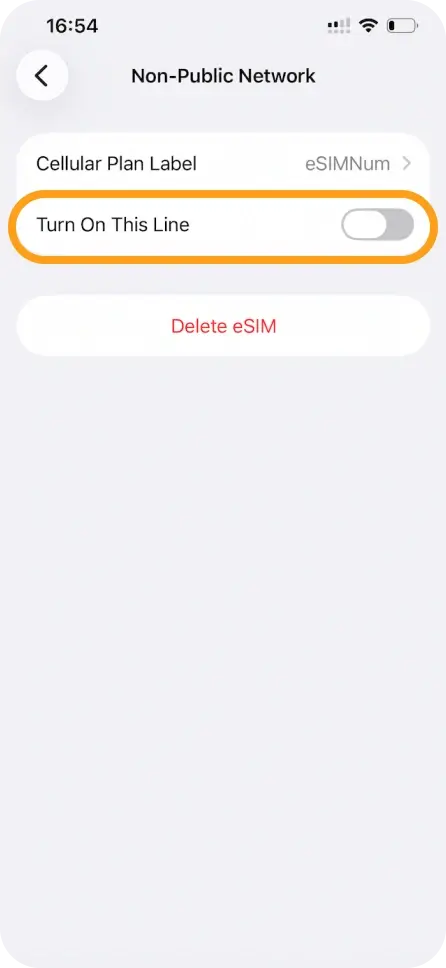
Tap your personal SIM or other eSIMs and switch Turn On This Line OFF to avoid interference.
-
Return to Cellular / Mobile Data.
-
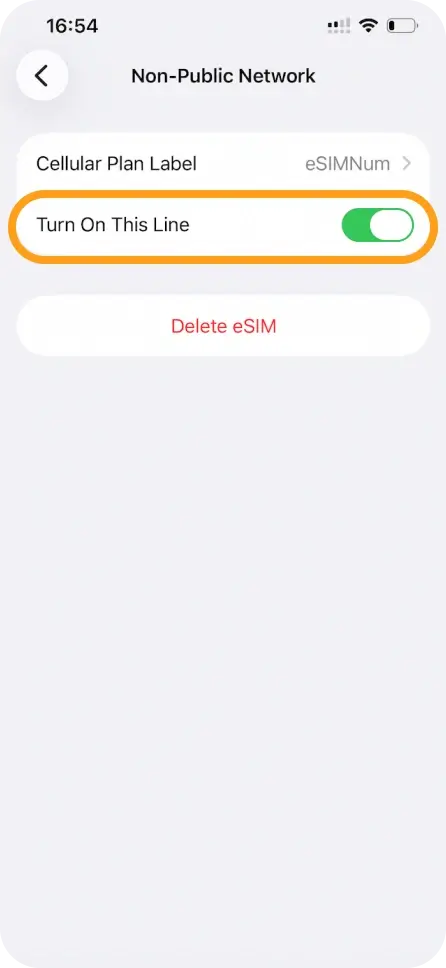
Select your eSIMNum line (it may appear as Secondary, Travel, or the label you created).
-
Ensure Turn On This Line is enabled.
-
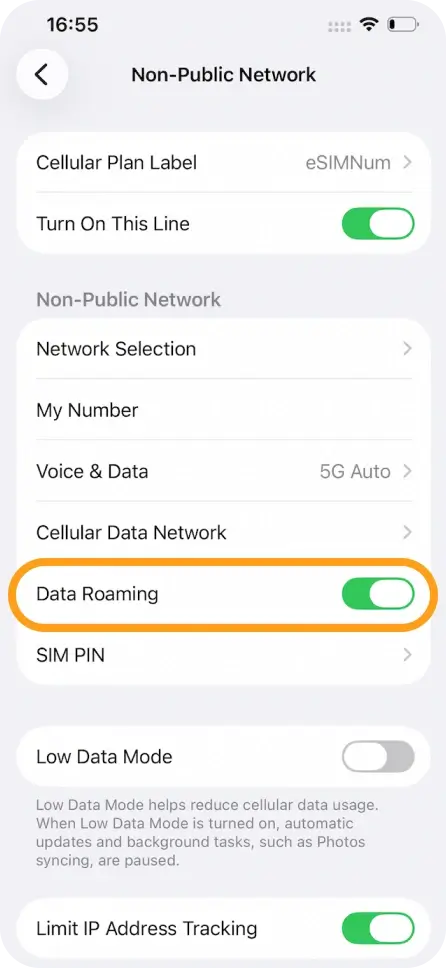
Enable Data Roaming for your eSIMNum plan.
-
Go back to Cellular / Mobile Data.
-
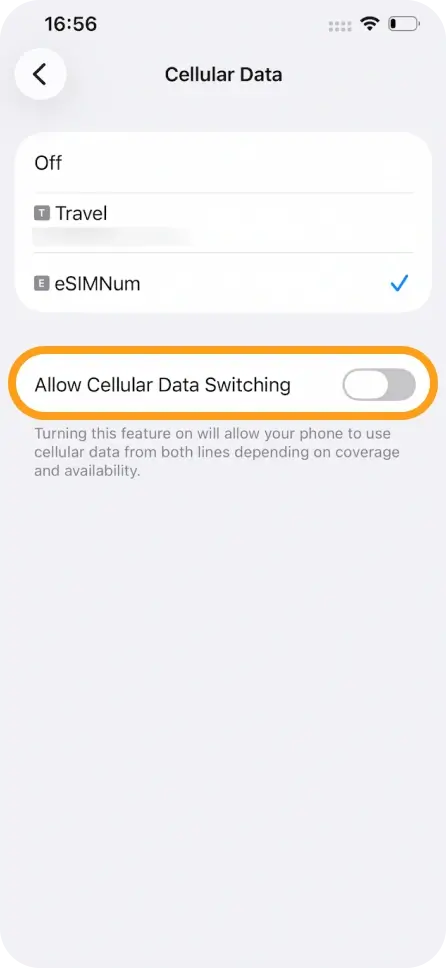
Tap Cellular Data and choose eSIMNum as your data line.
-
Make sure Allow Cellular Data Switching is turned OFF to prevent unwanted switching between lines.
Once completed, your eSIMNum plan should automatically connect to a supported network.
Troubleshooting: Can’t Connect to Network?
If your device doesn’t connect after enabling data roaming:
-
Open Settings → Cellular / Mobile Data.
-
Select your eSIMNum line.
-
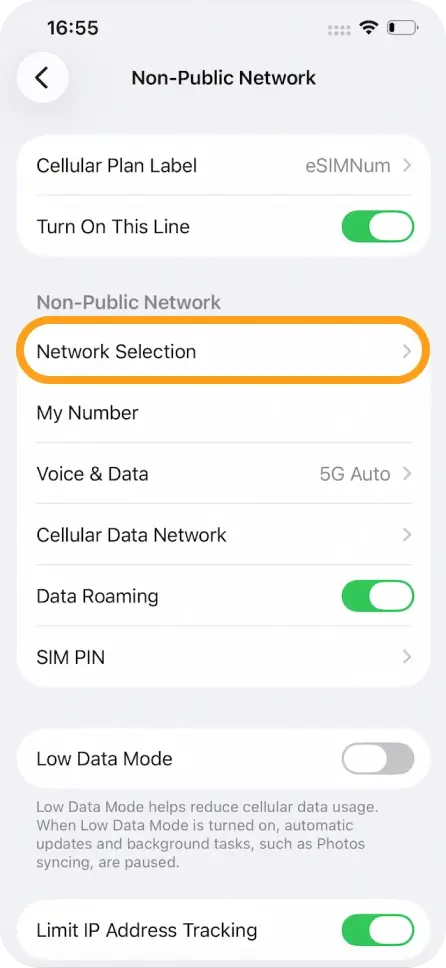
Tap Network Selection.
-
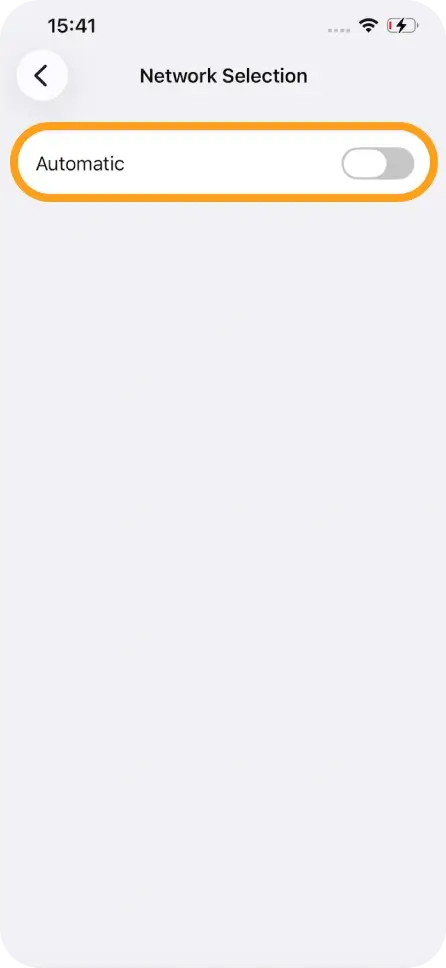
Turn Automatic OFF.
-
Wait for available operators to load and select the recommended network for your destination.
If your eSIM still isn’t connecting or you need additional help, please contact eSIMNum Support. Our team is always happy to assist.



